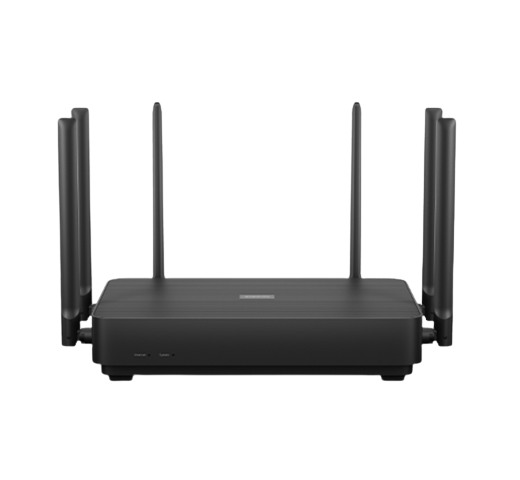
Upgrading Your Home Network with the Latest 6G Router and NAS
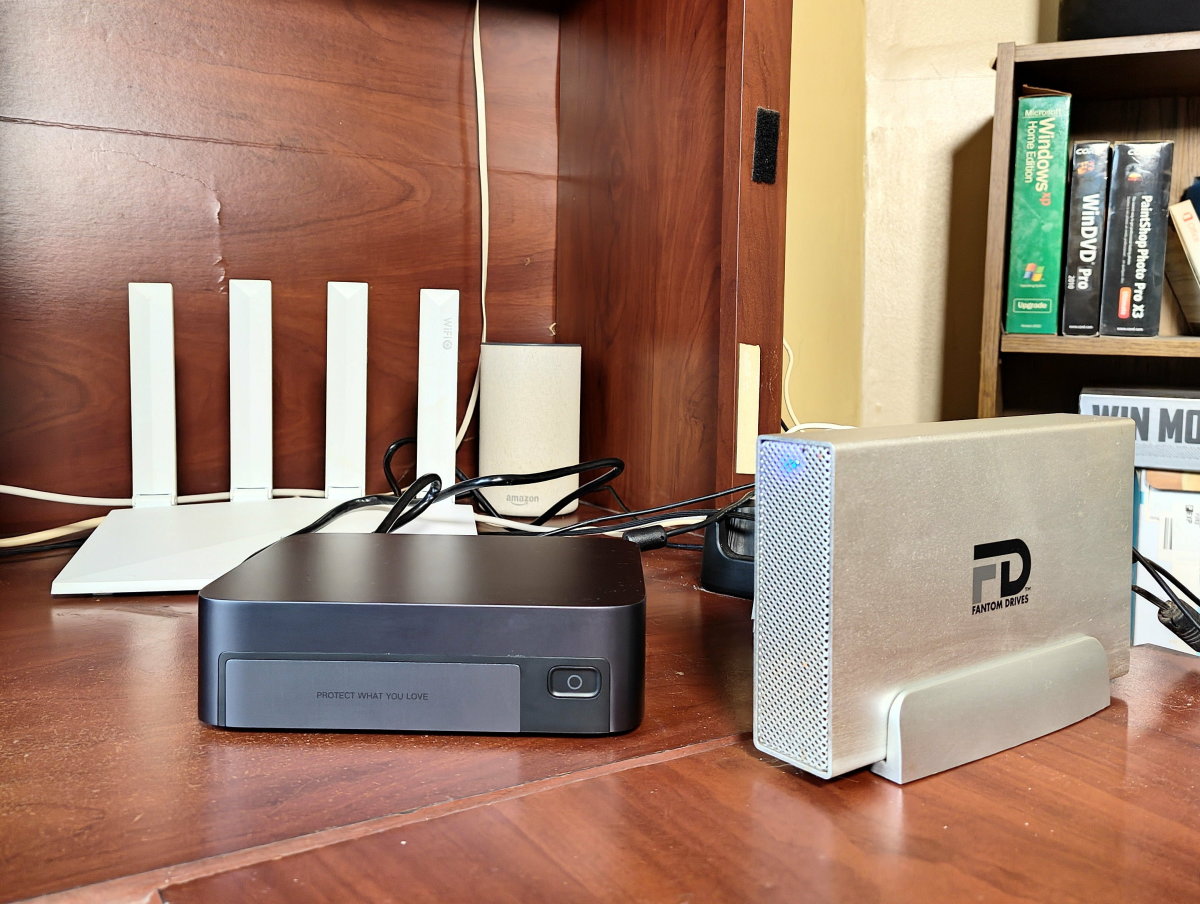
When your router struggles to keep up, your NAS (Network-Attached Storage) can't save you. This is especially true for those who require high-speed data transfer and seamless access to files across multiple devices. Installing a 6G router with NAS is a game-changer for home networks, offering improved speeds, reduced interference, and enhanced connectivity. In this article, we'll guide you through the process of installing a 6G router with NAS and explore the benefits and considerations of this setup.
What is a 6G Router and NAS?
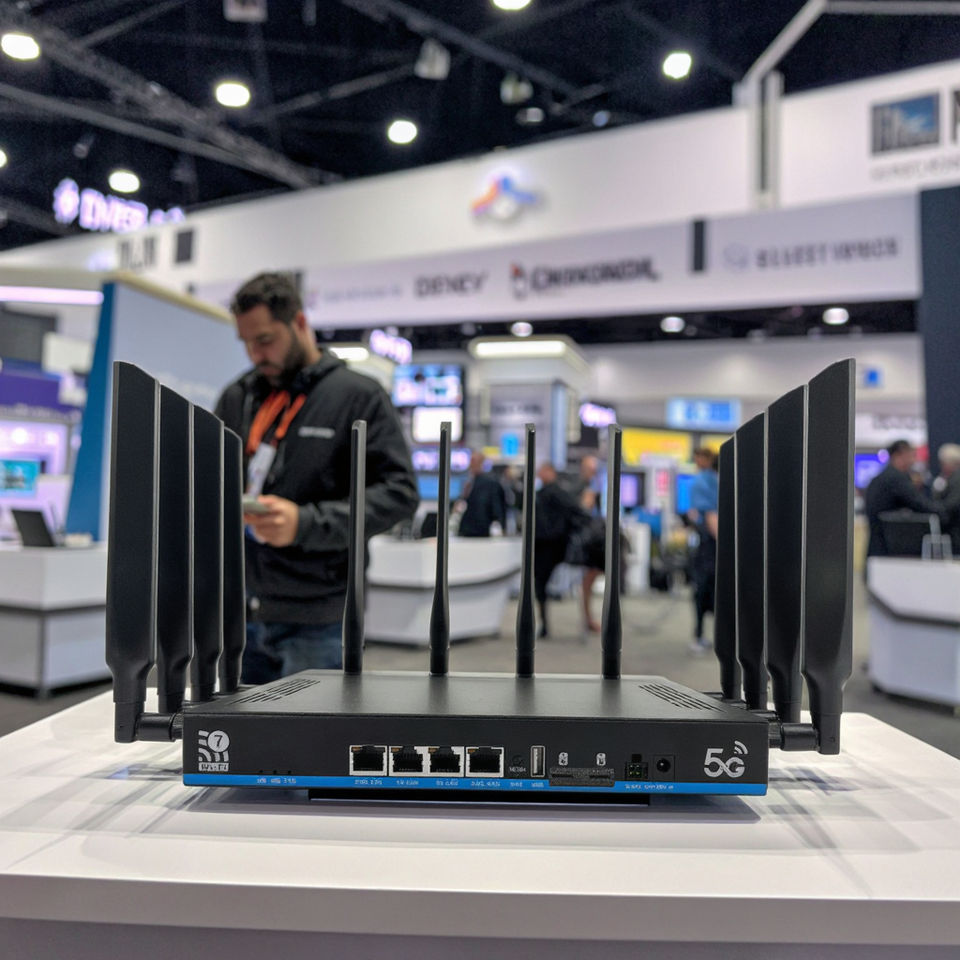
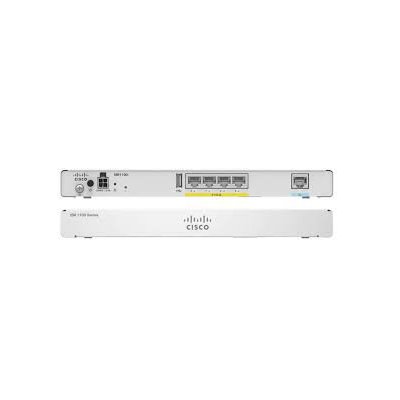
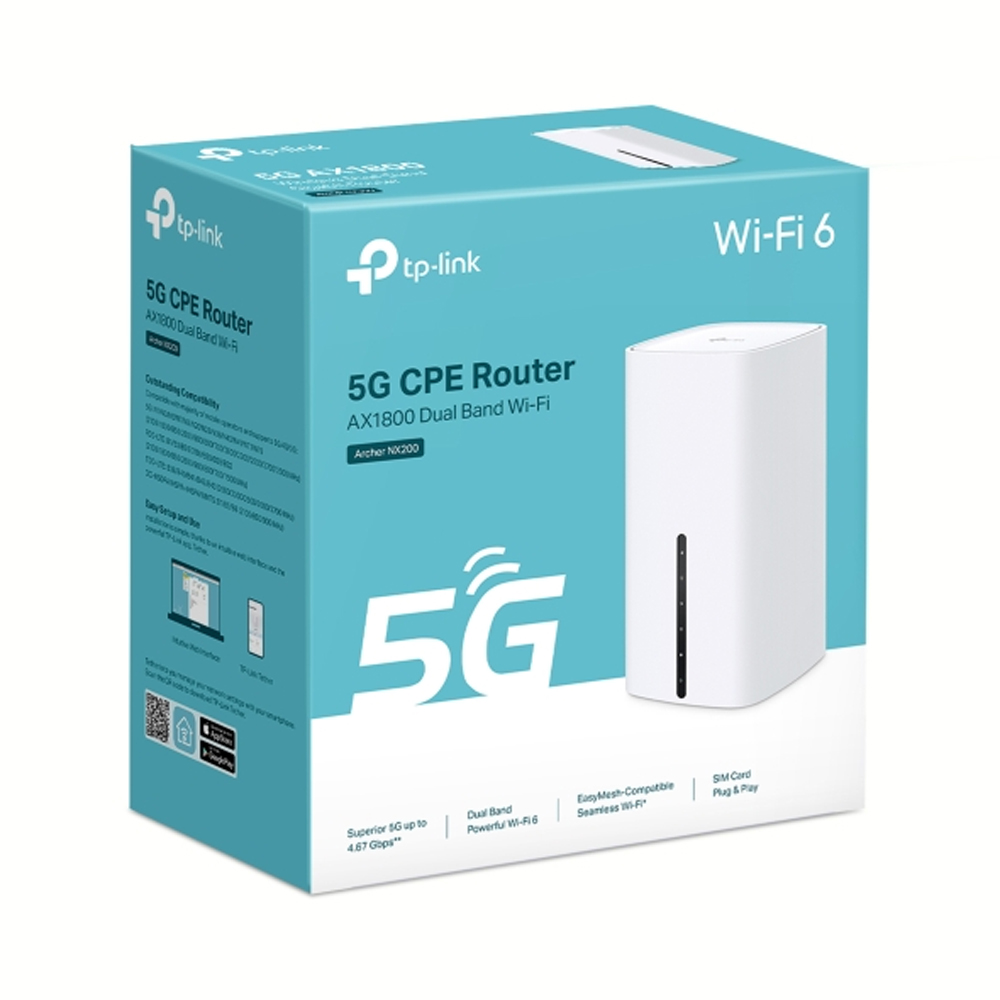
A 6G router is a type of wireless router that supports the latest 6 GHz frequency band, offering faster speeds and improved performance. NAS stands for Network-Attached Storage, a device that allows you to store and share files across a network. When combined, a 6G router and NAS provide a powerful solution for home networks, enabling users to access and share files at high speeds.
Benefits of Installing a 6G Router with NAS
- Improved Speeds: With the latest 6 GHz frequency band, 6G routers offer faster speeds and improved performance, making them ideal for applications that require high-speed data transfer.
- Reduced Interference: The 6 GHz frequency band is less crowded than the traditional 2.4 GHz and 5 GHz bands, reducing interference and ensuring a stable connection.
- Enhanced Connectivity: 6G routers support the latest Wi-Fi 6E and Wi-Fi 7 standards, enabling devices to connect to the network at faster speeds and with improved reliability.
- Seamless File Sharing: With a NAS device connected to the 6G router, users can access and share files across multiple devices at high speeds, making it ideal for applications such as video streaming and online gaming.
Considerations for Installing a 6G Router with NAS
- Compatibility: Ensure that your devices are compatible with the 6G router and NAS, as some older devices may not support the latest Wi-Fi standards.
- Interference: Although the 6 GHz frequency band is less crowded, it's still essential to ensure that the router is positioned to minimize interference from other devices.
- Power Requirements: 6G routers and NAS devices require sufficient power to operate, so ensure that your network infrastructure can support the power requirements of these devices.
Step-by-Step Guide to Installing a 6G Router with NAS
To install a 6G router with NAS, follow these steps:
Step 1: Choose a 6G Router and NAS Device
Select a 6G router and NAS device that meets your requirements, considering factors such as speed, compatibility, and power requirements.
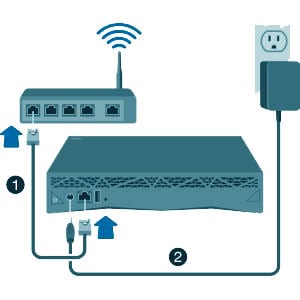
Step 2: Configure the 6G Router
Configure the 6G router according to the manufacturer's instructions, setting up the Wi-Fi network, passwords, and other settings.
Step 3: Connect the NAS Device
Connect the NAS device to the 6G router, ensuring that it's configured to use the latest Wi-Fi standard.
Step 4: Configure the NAS Device
Configure the NAS device according to the manufacturer's instructions, setting up user accounts, passwords, and other settings.
Conclusion
Installing a 6G router with NAS is a powerful solution for home networks, offering improved speeds, reduced interference, and enhanced connectivity. By following the steps outlined in this article, users can easily install a 6G router with NAS and enjoy seamless file sharing and high-speed data transfer across multiple devices.
Additional Resources
For more information on installing a 6G router with NAS, check out the following resources: