Setting Up a Router for VoIP: A Step-by-Step Guide
Are you considering switching to Voice over Internet Protocol (VoIP) but unsure where to start? Setting up a router for VoIP can seem daunting, but with the right guidance, it's a straightforward process. In this article, we'll walk you through the steps to set up a VoIP phone using your router.
Introduction to VoIP and Routers
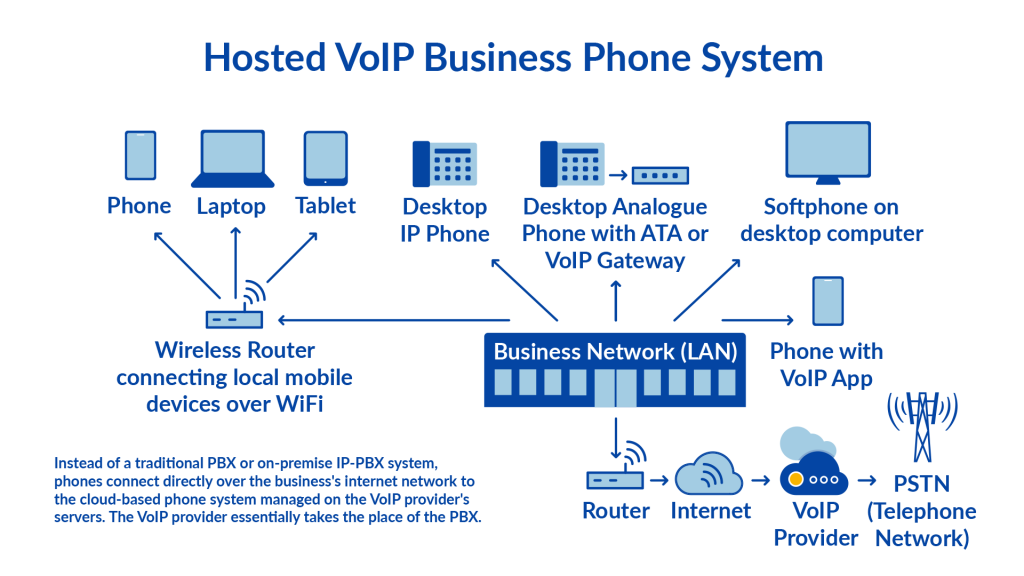
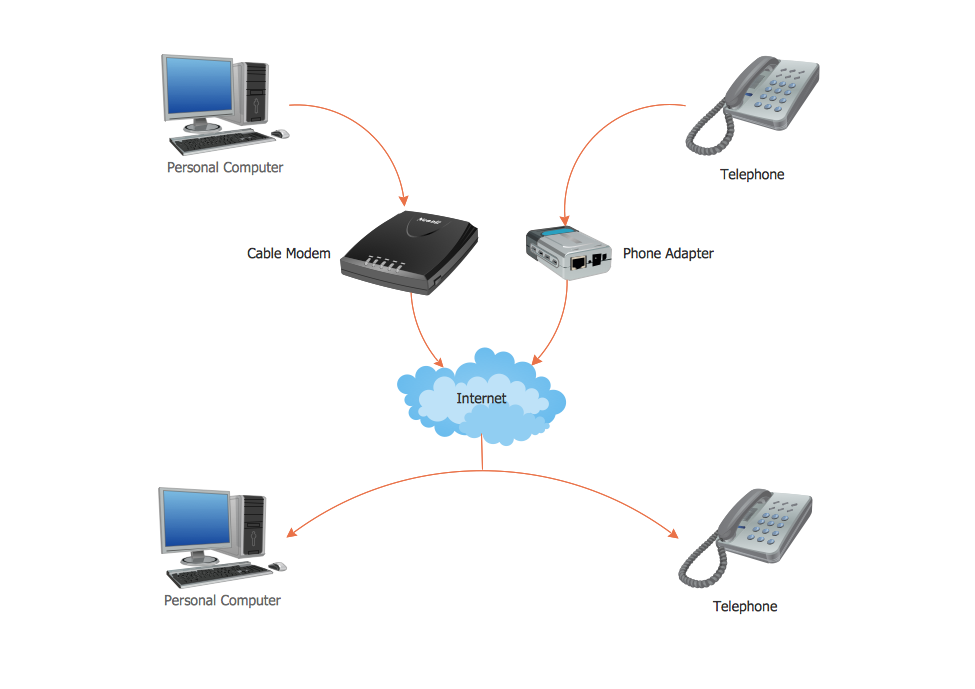
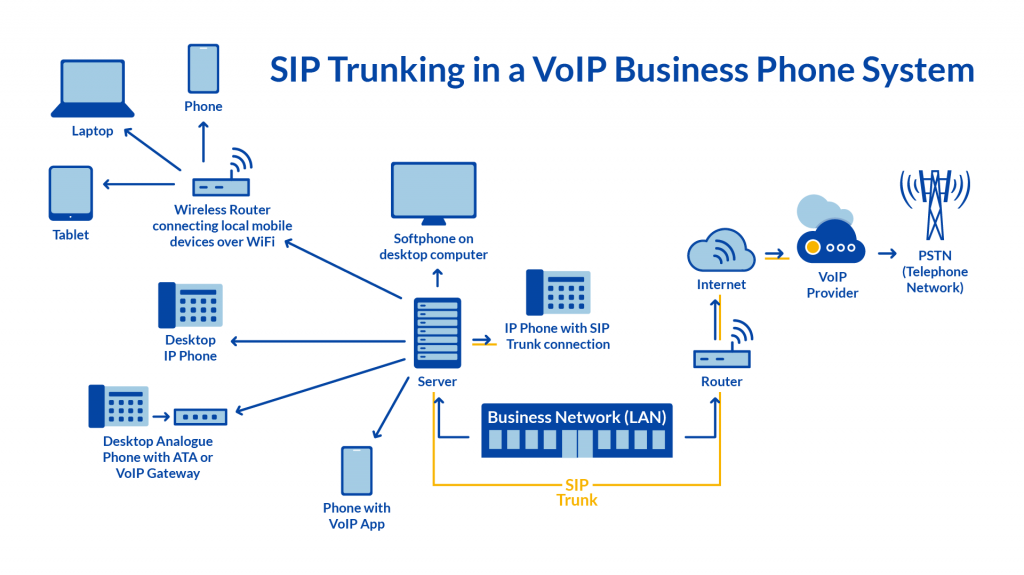
VoIP is a technology that allows you to make phone calls over the internet instead of traditional phone lines. VoIP phones are designed to carry phone calls over the internet and can be connected to a modem or router using an Ethernet cable. To set up a router for VoIP, you'll need a VoIP phone, a router, and a high-speed internet connection.
Equipment Needed
- VoIP phone or adapter
- Router
- High-speed internet connection
- VoIP provider and plan
Step 1: Choose a VoIP Provider and Plan
Before setting up your router for VoIP, you need to choose a VoIP provider and plan that suits your needs. Research and select a reputable VoIP provider that offers the features and services you require. Make sure to read reviews and compare plans before making a decision.
Step 2: Connect Your VoIP Phone or Adapter to the Router
Next, connect your VoIP phone or adapter to the router using an Ethernet cable. Ensure the cable is securely connected to both the VoIP device and the router. If you're using a router with a built-in modem, you may need to connect the modem to the router via an Ethernet cable.
Step 3: Configure the Router Settings
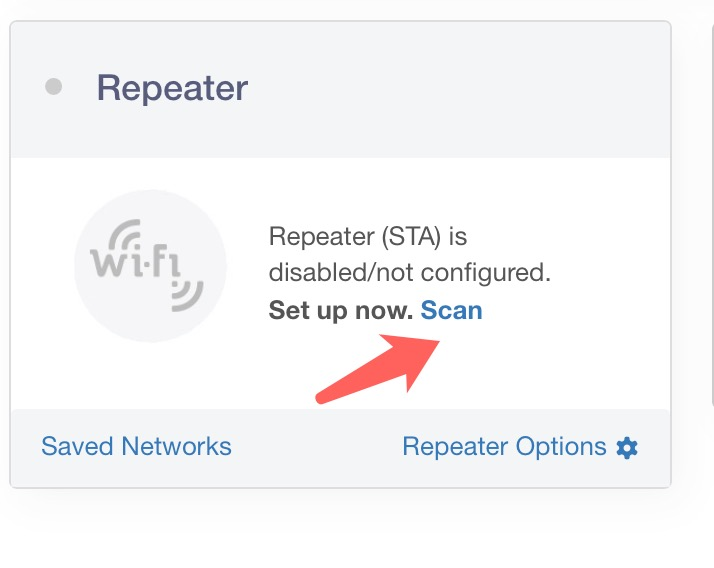
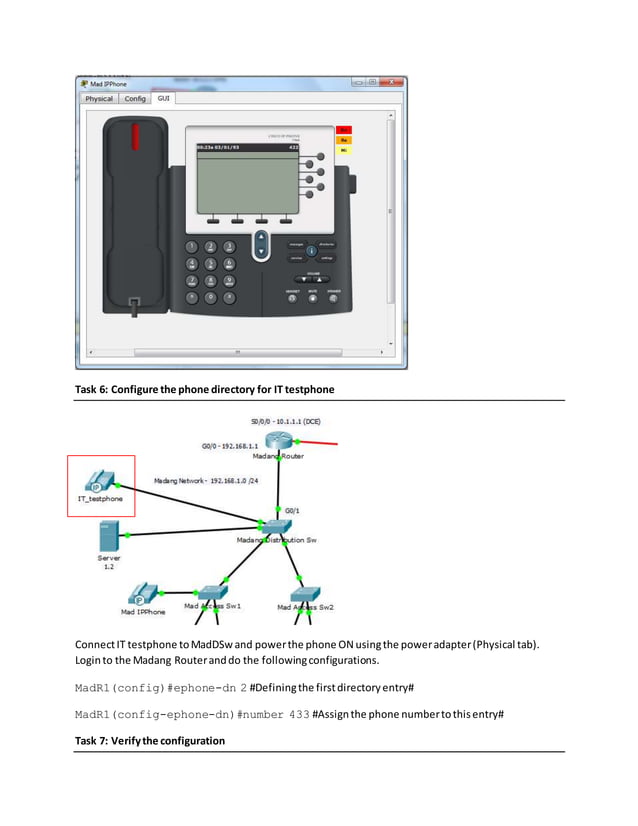
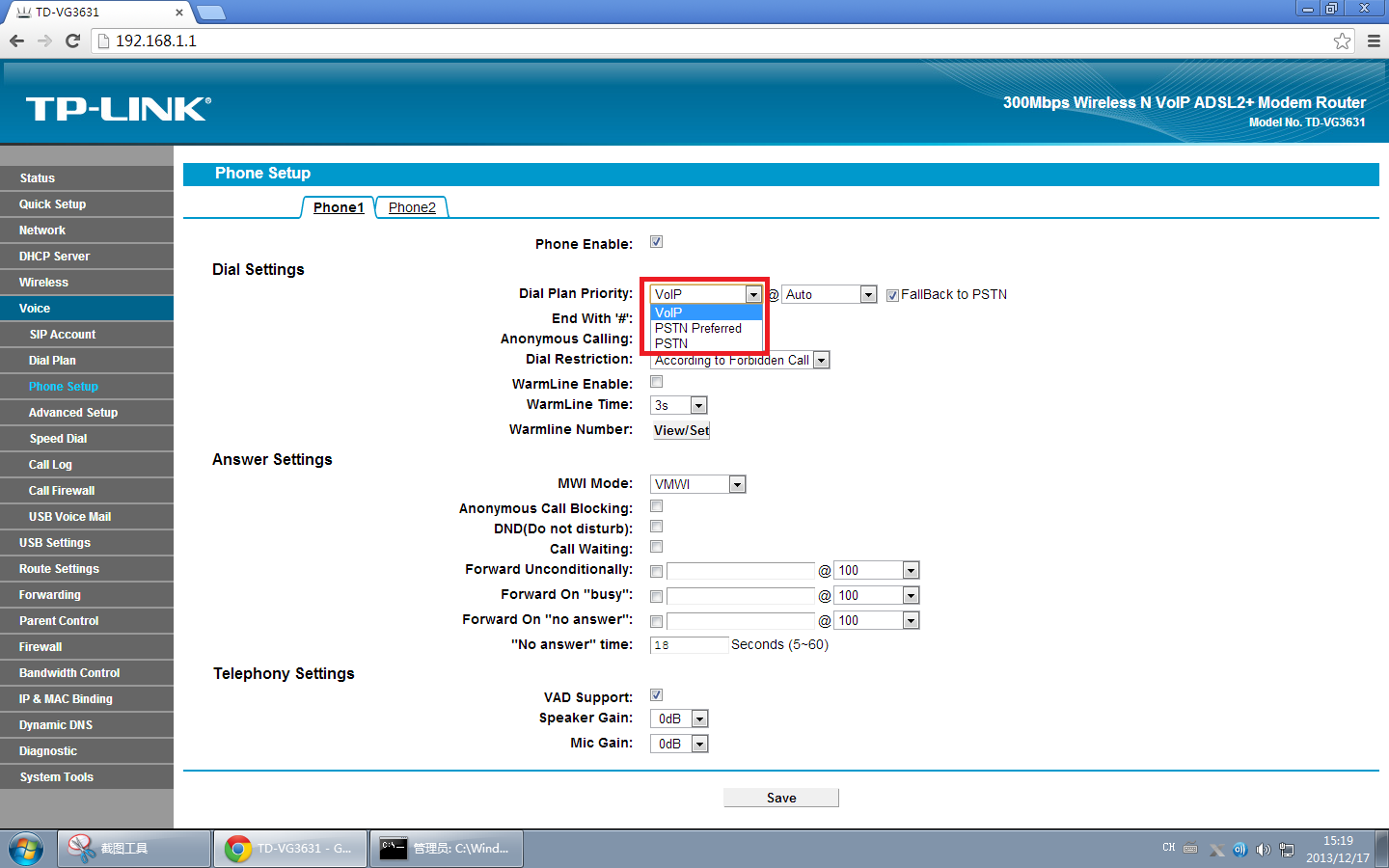
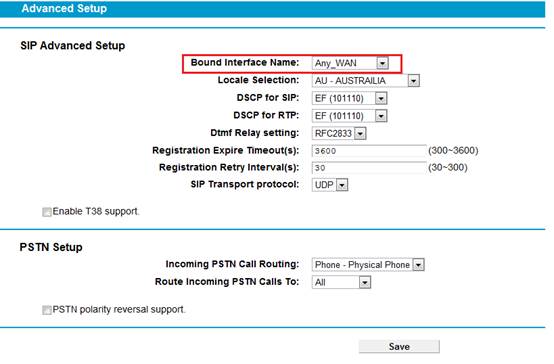
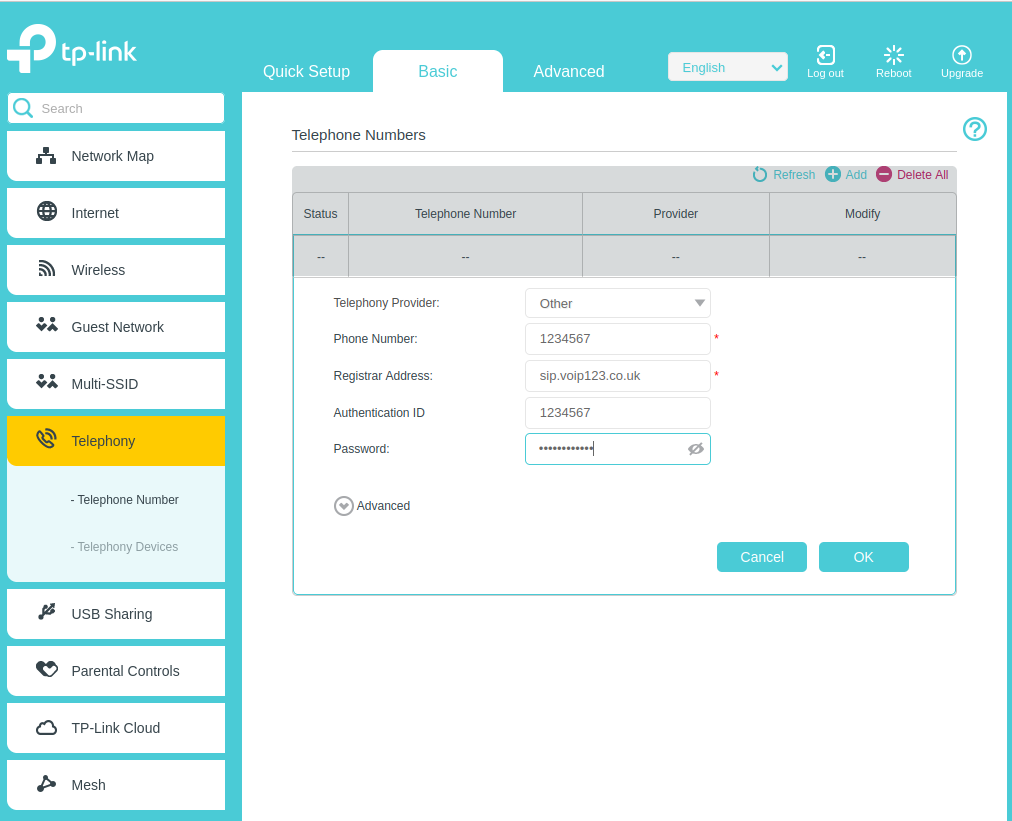
Log in to your router's web-based interface using the username and password. Navigate to the VoIP settings section and configure the settings according to your VoIP provider's instructions. You may need to enter the VoIP server address, username, and password.
Step 4: Set Up Port Forwarding and Quality of Service (QoS)
Port forwarding and QoS are critical settings that ensure your VoIP calls are prioritized and delivered smoothly. Forward the required ports to allow incoming and outgoing traffic. Configure QoS to prioritize VoIP traffic and prevent delays or packet loss.
Step 5: Test the VoIP System
Once you've completed the previous steps, test your VoIP system by making a call. Ensure the call is clear and of good quality. If you encounter any issues, try troubleshooting by checking the router settings, VoIP provider configuration, and internet connection.
Conclusion
Setting up a router for VoIP is a straightforward process that requires careful planning and configuration. By following these steps, you'll be able to enjoy the benefits of VoIP, including flexibility, cost-effectiveness, and high-quality voice calls. Remember to choose a reputable VoIP provider, configure your router settings correctly, and prioritize VoIP traffic to ensure a smooth and hassle-free experience.




![[Wireless Router] How do I enter my ASUS router's setting page using ...](https://assets-global.website-files.com/638501673ebc933690eb0762/64932ff3ecb535268e5b1297_47ba7ccb-cc24-44e8-96c2-4532fd27dbf2.png "[Wireless Router] How do I enter my ASUS router's setting page using ...")