Setting Up a Reliable Home Network with a Router: A Comprehensive Guide
A reliable home network is essential for a smooth online experience. With the increasing number of devices connected to the internet, setting up a robust network is crucial for seamless communication, streaming, and gaming. In this article, we'll walk you through the process of setting up a home network with a router, covering the basics of network setup, router configuration, and security measures to protect your network from unwanted access.
Understanding the Components of a Home Network
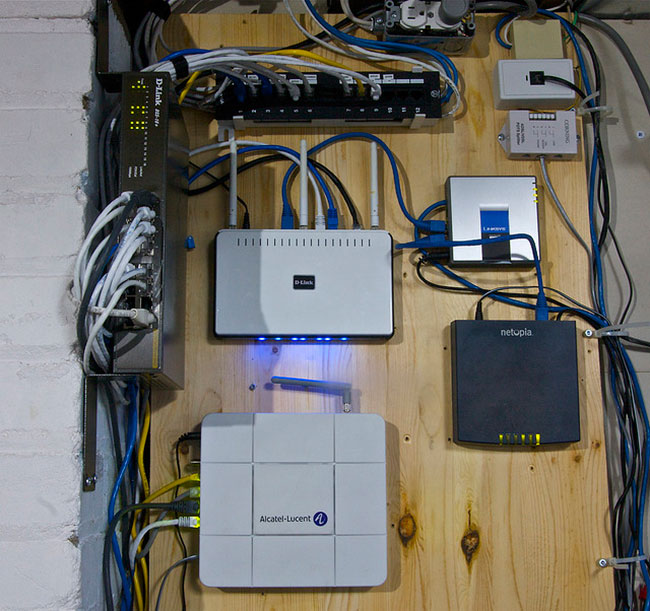
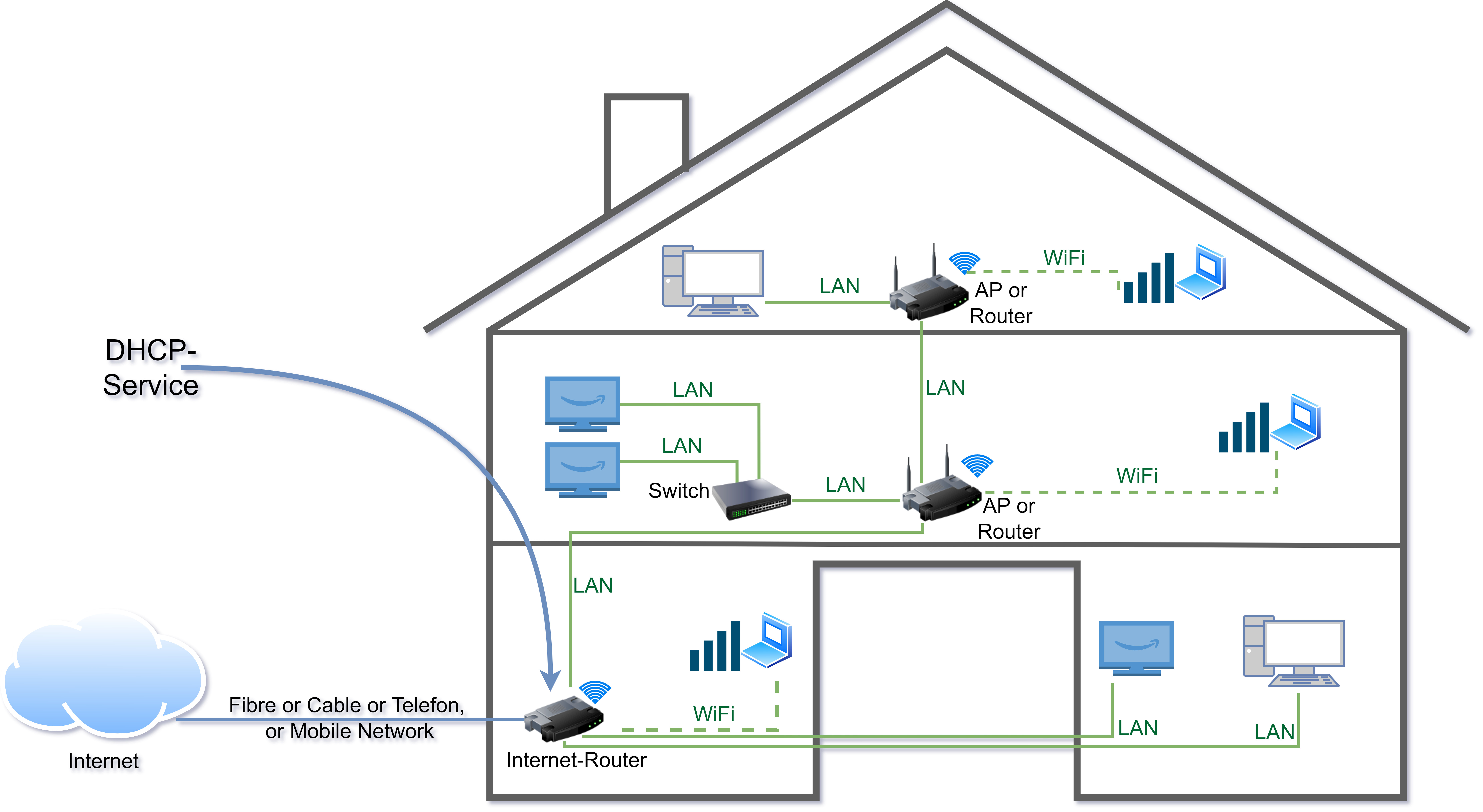
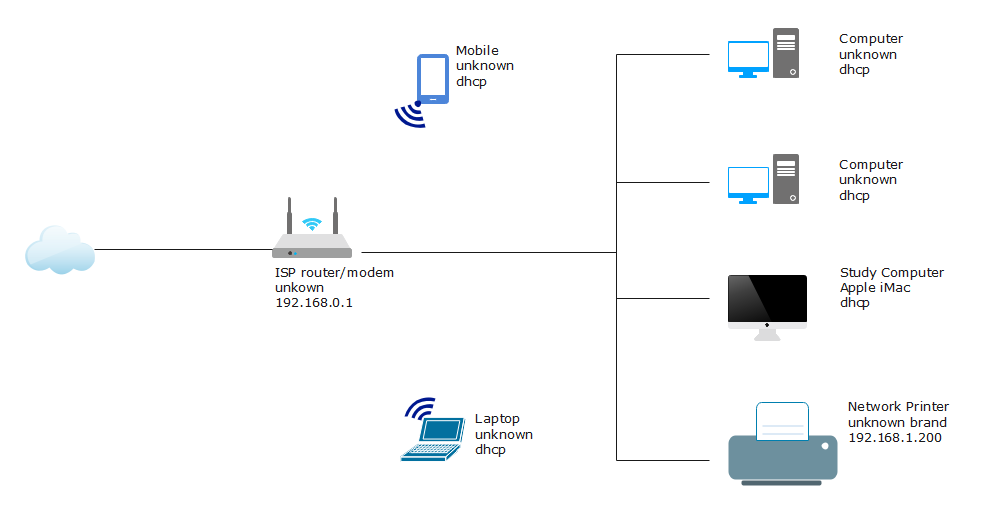
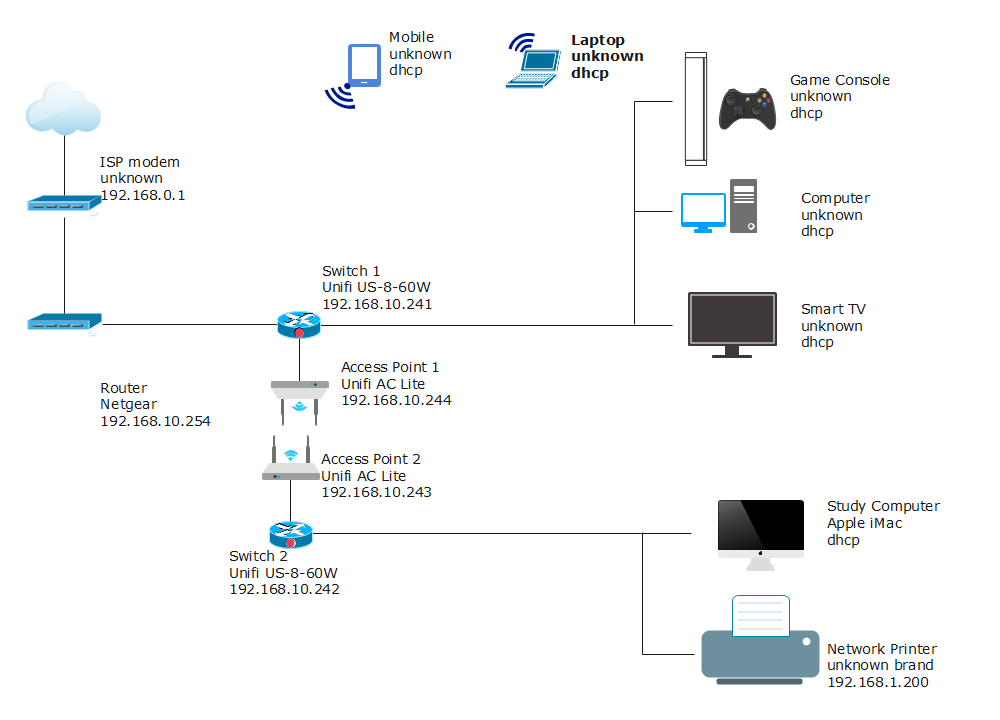
A home network consists of several components, including:
- Modem: A modem connects your home to the internet through a broadband connection.
- Router: A router acts as the central hub of your network, directing internet traffic to and from your devices.
- Switch: A switch is a device that connects multiple devices within your network, allowing them to communicate with each other.
- Wireless Access Point (WAP): A WAP allows devices to connect to your network wirelessly.
Choosing the Right Router for Your Home Network
When selecting a router, consider the following factors:
- Speed: Choose a router that can handle the number of devices connected to your network and the type of online activities you engage in.
- Coverage: Ensure the router has a strong enough signal to cover your entire home.
- Security: Look for a router with built-in security features, such as a firewall and encryption.
- Ease of use: Opt for a router with a user-friendly interface and intuitive setup process.
Setting Up Your Home Network with a Router
To set up your home network with a router, follow these steps:

- Unbox and physically install the router in a central location.
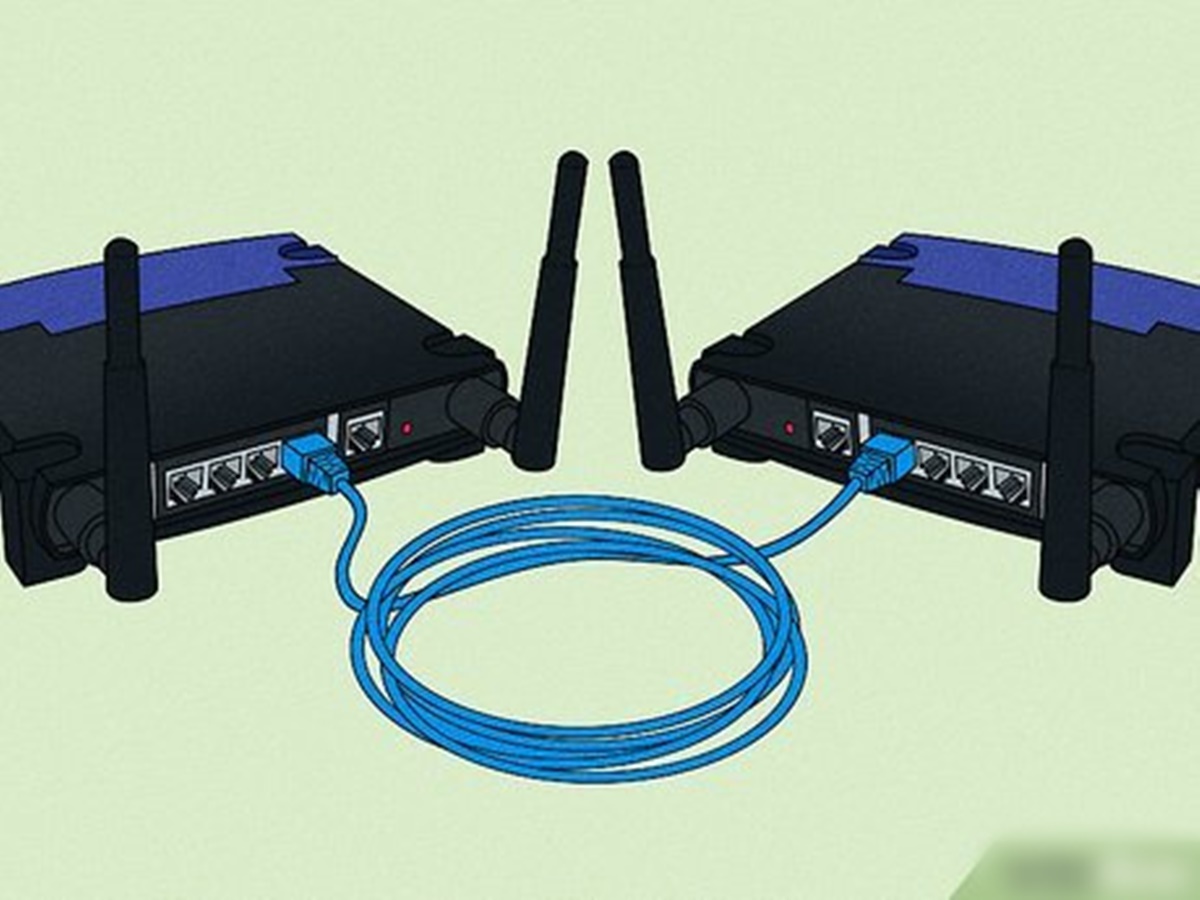
- Connect the modem to the router using an Ethernet cable.
- Configure the router's settings, including the network name (SSID), password, and security settings.
- Connect your devices to the network using an Ethernet cable or wirelessly.
- Test your network to ensure it's functioning properly.
Configuring Your Router for Optimal Performance
Once you've set up your router, configure the following settings for optimal performance:
- Wireless settings: Adjust the wireless channel, frequency, and encryption settings to minimize interference and ensure secure connections.
- QoS (Quality of Service) settings: Prioritize critical applications, such as video streaming and online gaming, to ensure smooth performance.
- Firewall settings: Enable the firewall to block unauthorized access to your network and devices.
- Guest network settings: Create a separate network for guests to ensure they don't have access to your primary network.
Securing Your Home Network with a Router
To protect your home network from unwanted access, follow these security best practices:
- Use strong passwords: Choose complex passwords for your router, network, and devices.
- Enable WPA2 encryption: Use WPA2 encryption to secure your wireless network.
- Regularly update firmware: Update your router's firmware to ensure you have the latest security patches and features.
- Use a guest network: Create a separate network for guests to prevent them from accessing your primary network.
Conclusion
Setting up a reliable home network with a router requires careful consideration of the components, configuration, and security measures. By following the steps outlined in this guide, you can ensure a robust and secure network that meets your online needs. Remember to regularly update your router's firmware and monitor your network for any signs of unauthorized access or performance issues.






_Works.png "T-Mobile Internet Gateway Setup | T-Mobile 5G Home Internet")