Implementing Effective G Router Traffic Shaping Setup
Improving Network Performance through Traffic Shaping
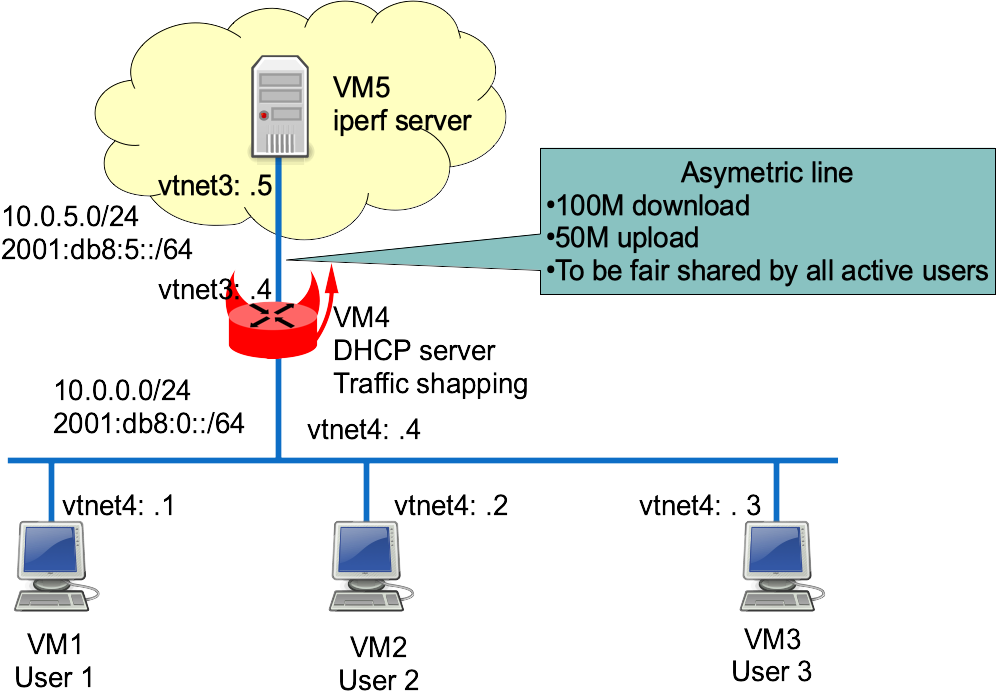
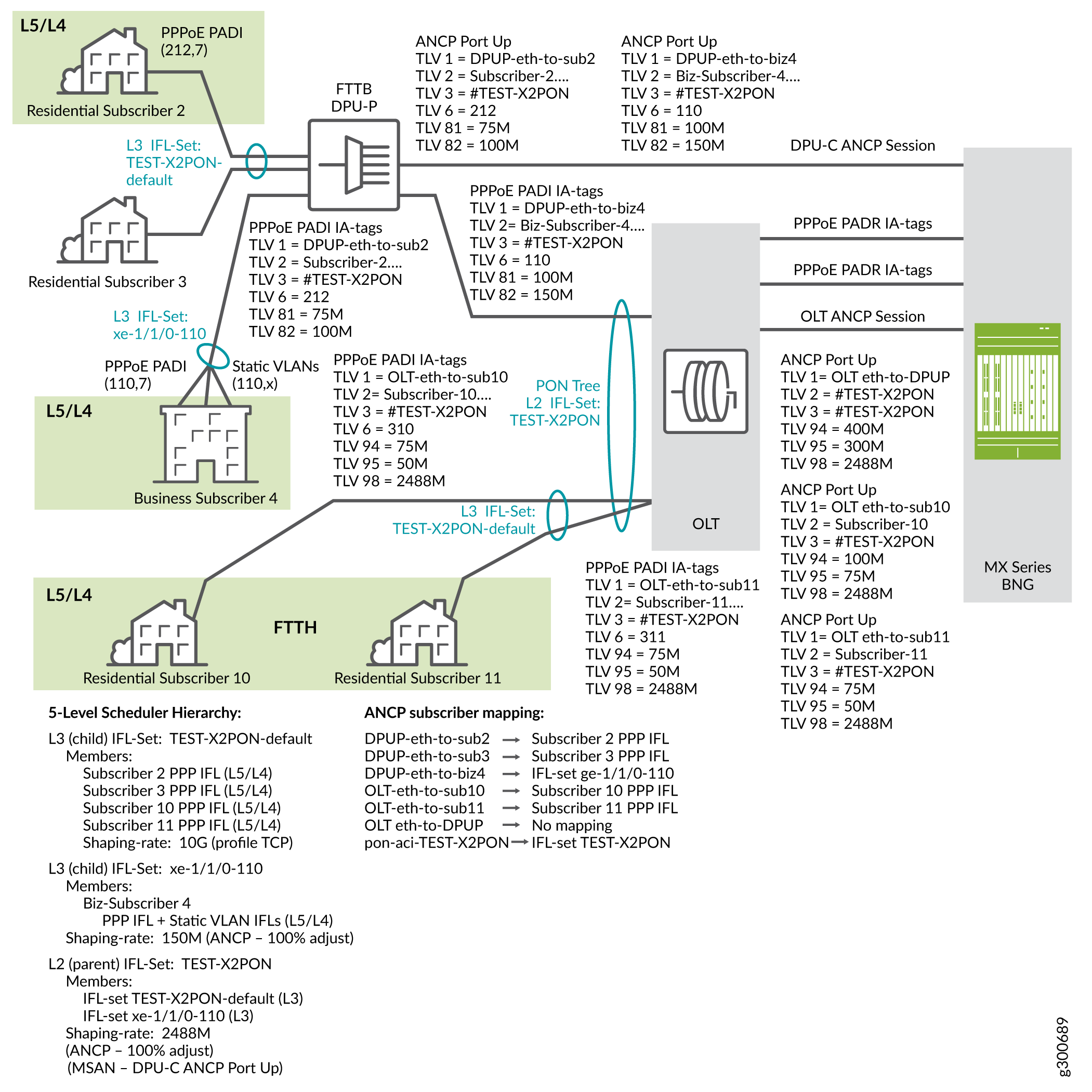
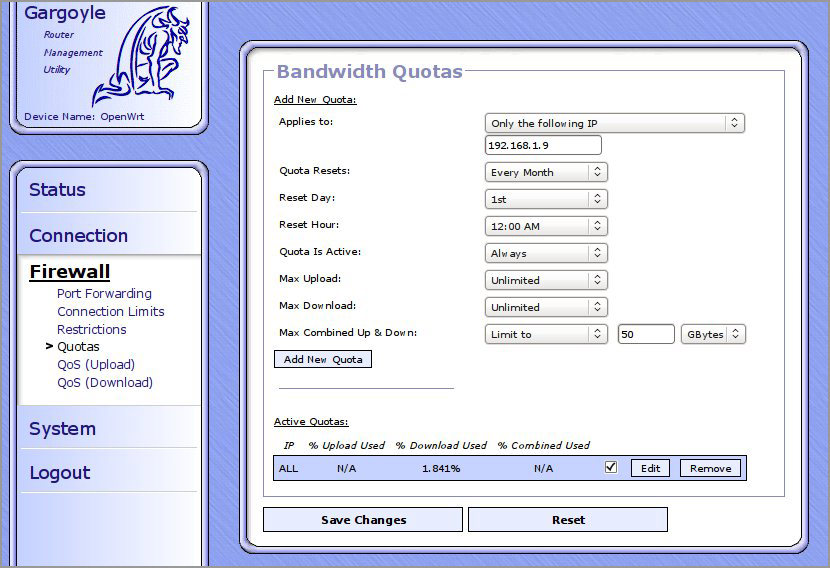
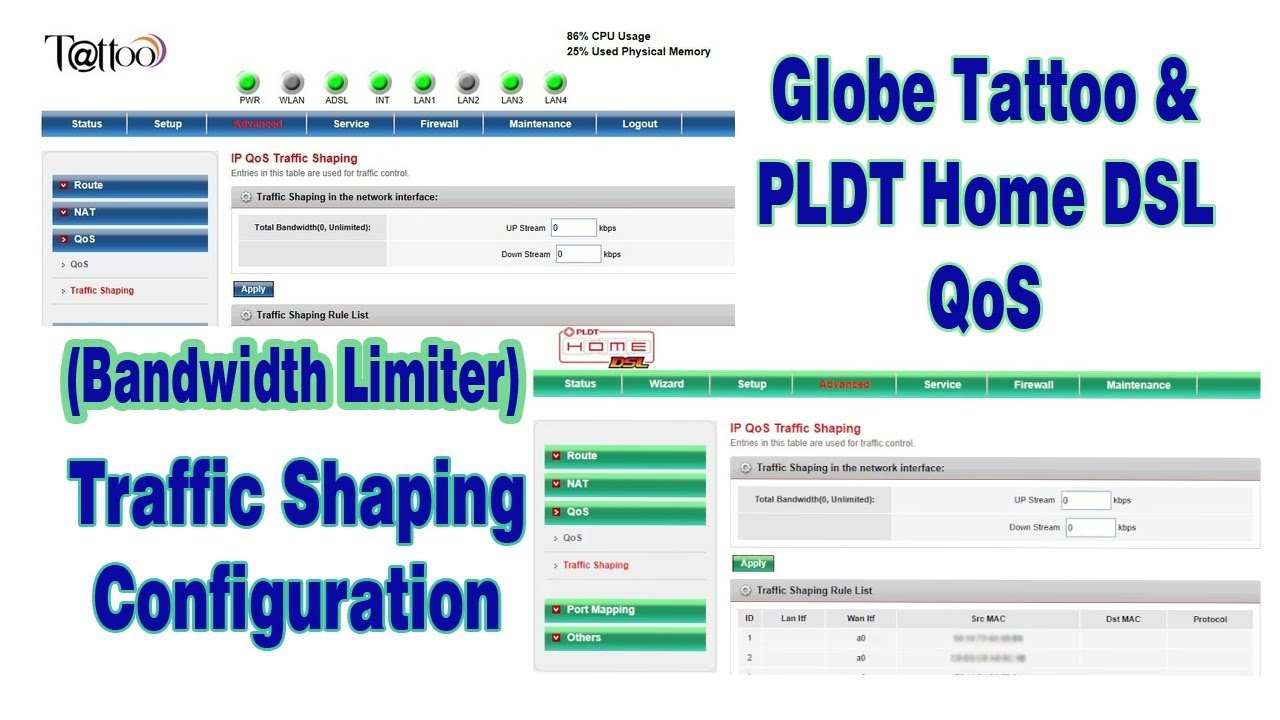
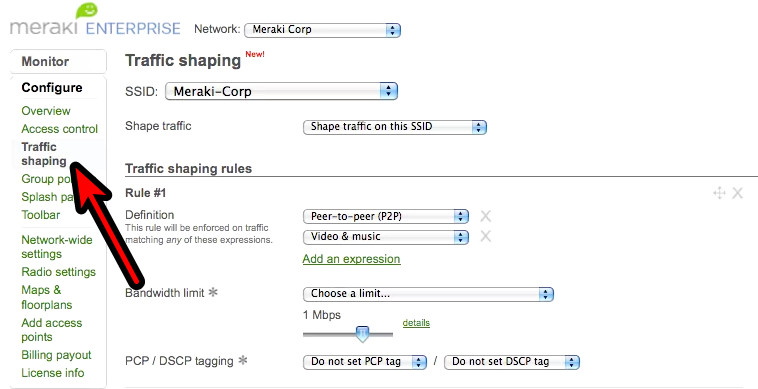
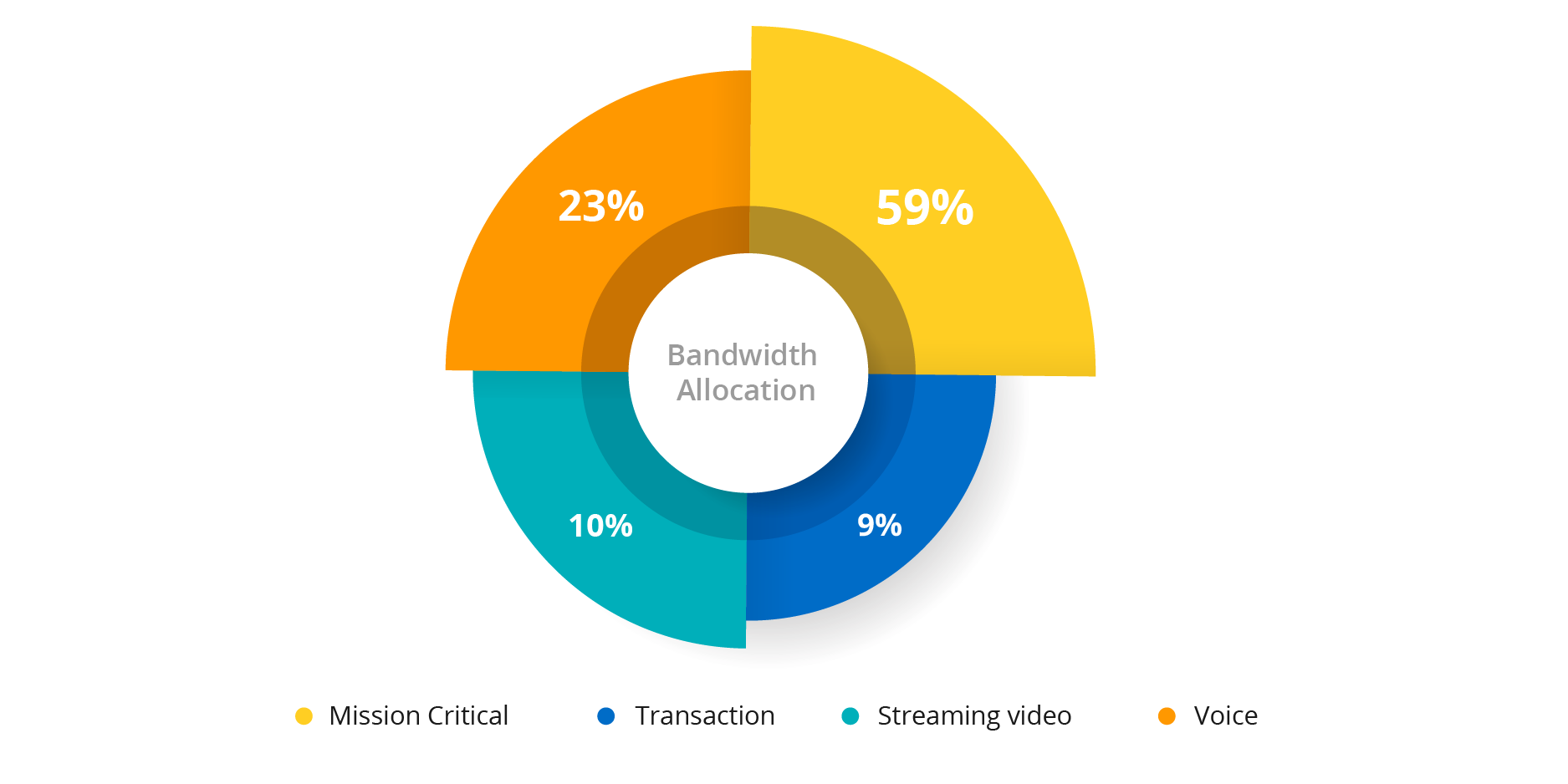
Jul 14, 2025Implementing traffic shaping on routers and firewalls can significantly enhance network performance, reduce congestion, and improve user experiences. This article delves into the practical steps of implementing traffic shaping, providing valuable insights and best practices. Traffic shaping is a network traffic management technique that uses mechanisms to control how software forwarded packets are transmitted on your devices. This includes deciding which packets to transmit, in what order of priority, and at what rate on the output of an interface. Traffic shaping will allow you to optimize or guarantee performance, improve latency, or increase usable bandwidth for some kinds of packets by delaying other kinds.Configuring Traffic Shaping on Your Router
To configure traffic shaping on your router, you need to follow these steps: 1. Start by identifying the interface that you want to configure for traffic shaping. This could be your WAN or LAN interface. 2. Enter the configuration mode by typing `configure terminal` and navigating to the interface you want to configure. 3. Use the `traffic-shape` command to enable traffic shaping on the interface. You can specify the traffic shaping parameters, such as the average and peak bandwidth, and the burst size. 4. Apply the traffic shaping policy to the interface by using the `service-policy` command. Once you have enabled traffic shaping on your router, you can monitor its effectiveness by using the `show traffic-shape` command. This command will give you detailed information about the traffic shaping configuration, including the current and peak bandwidth, and the number of packets that have been sent and received.Optimizing Traffic Shaping Performance